Xiang Lin

Projects

I build apps and utilities, mostly for Apple devices.

I believe software should be free, run on your own device, and come without ads or tracking. When I can, I also publish the source code.

File Transfer for Android

Copy files between a Mac and an Android phone over USB.

Google no longer supports its Android File Transfer app for Mac, so I built a replacement and improved on it along the way.

It's written in Swift for Apple silicon, with a native Liquid Glass design. It copies files larger than 4 GB, previews files with Quick Look, and if the phone disconnects during a copy, the transfer picks up again once the phone is back.

Platform
macOS 27 or later
Languages
English
Price
Free
Principles
  • No ads
  • No account
  • No data collected
  • Fully offline
  • Open source
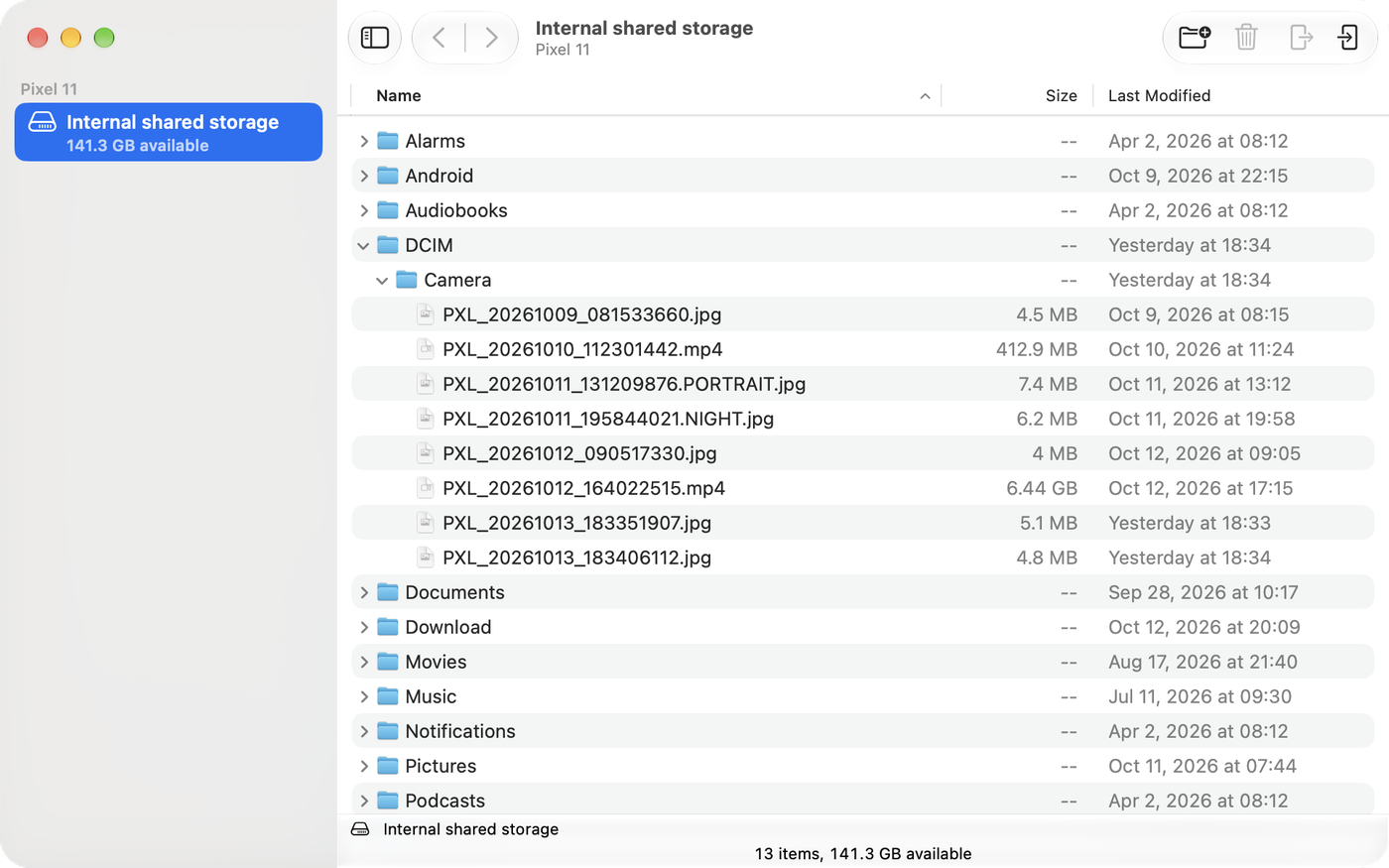
The app window showing a connected Pixel 11. The Camera folder is open, listing photos and videos with their sizes and dates.
A Pixel 11 connected, with the Camera folder open.

Novel Manager

Import, organize and read novels on iPhone.

I couldn't find a clean book manager that just did its job, without social features or AI extras bundled in. So I made one.

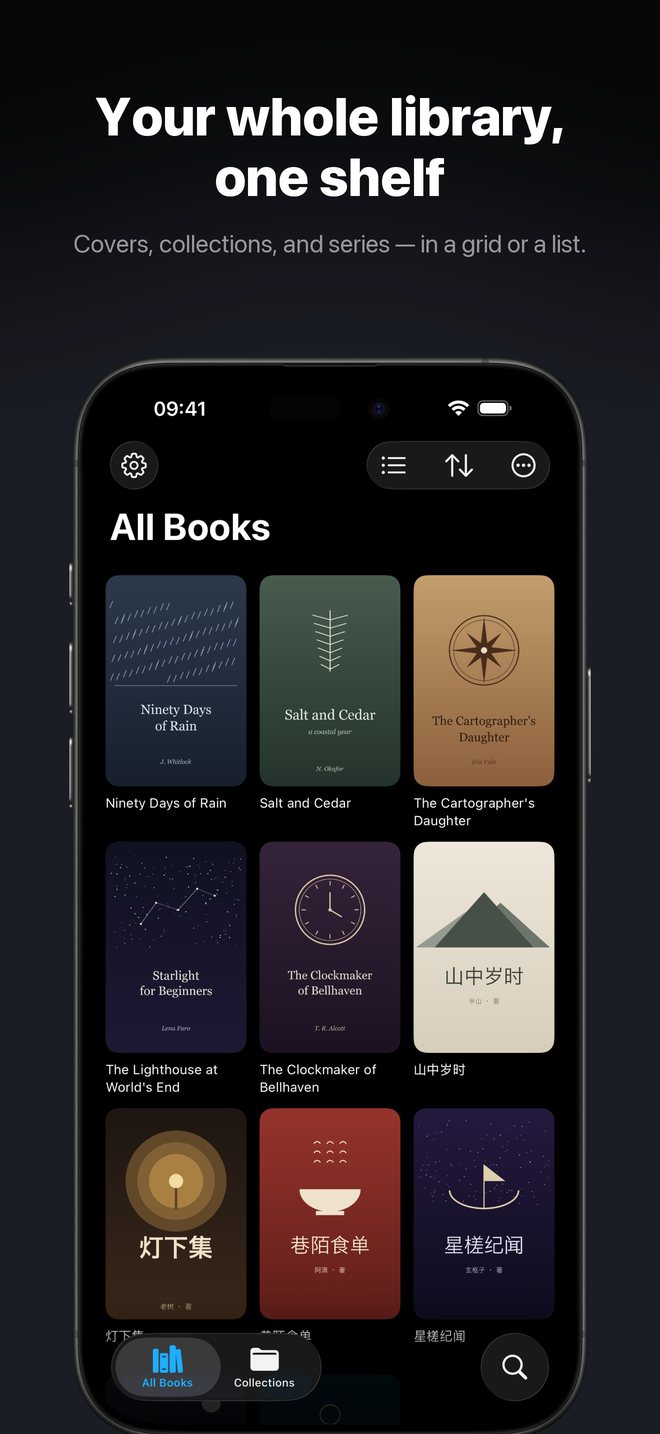
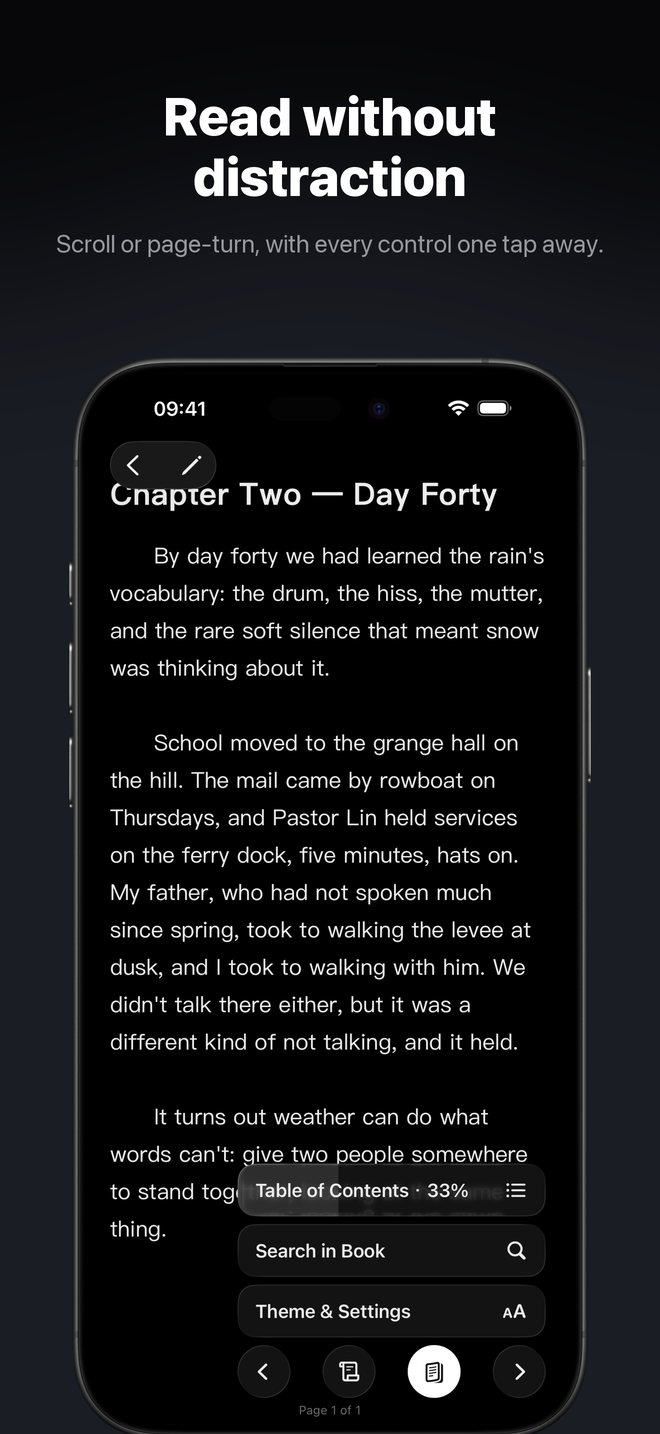
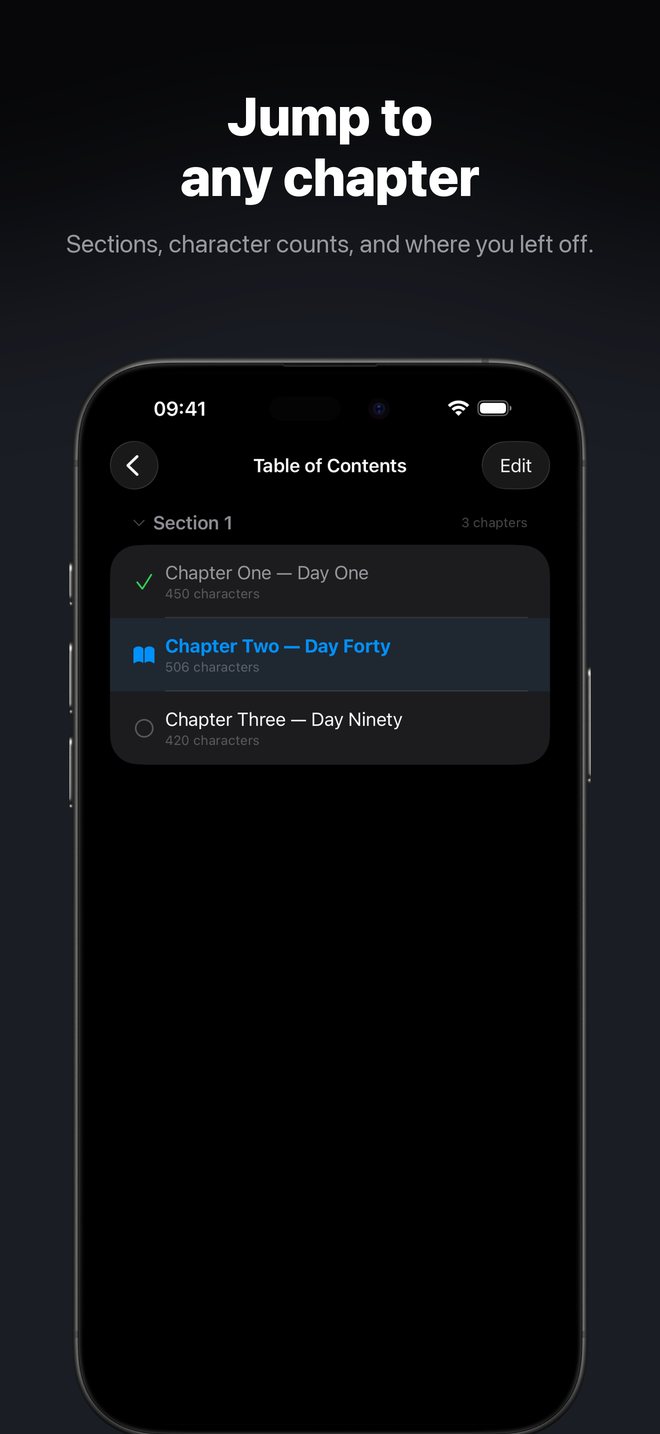
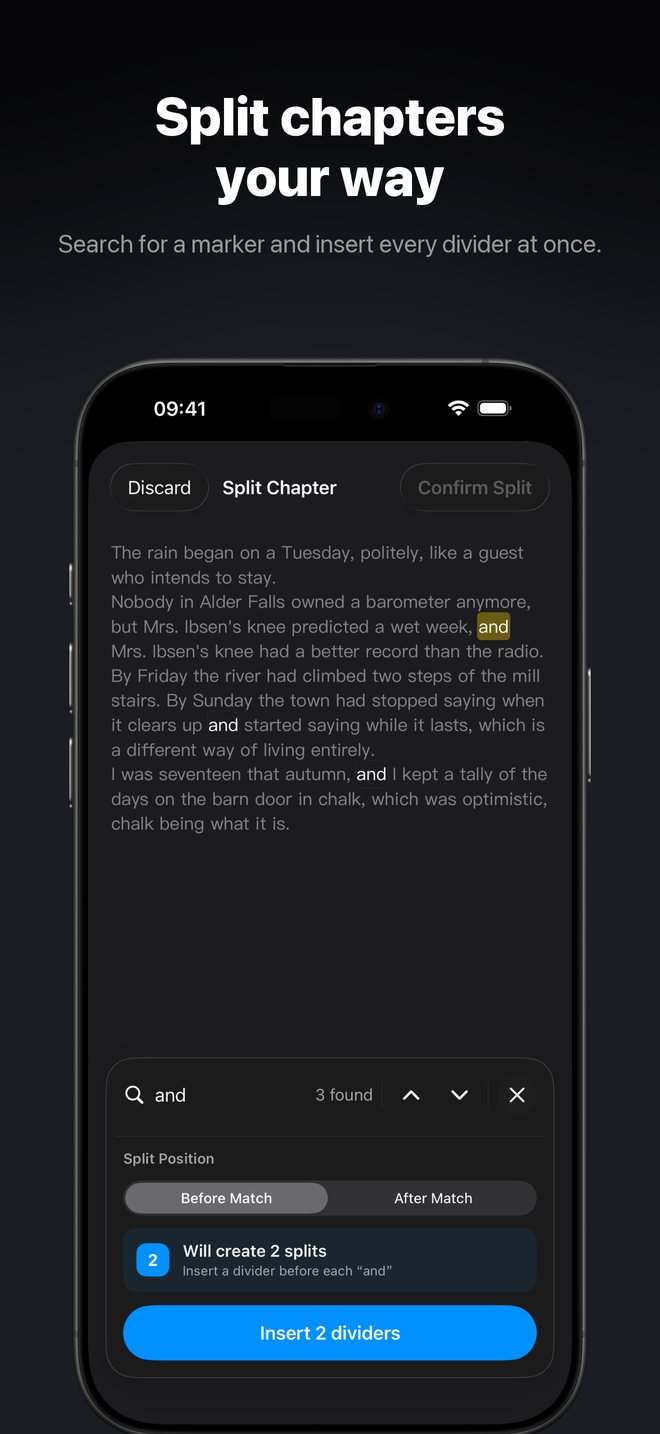
It's a native SwiftUI app with Apple's Liquid Glass design. When you import a novel, it finds the chapters and shows you a preview first. You can read in scroll or page-turn mode, group books into series with volumes, and browse the pictures in illustrated books. You can also edit a book's text and let the app clean up its formatting for you. Your whole library backs up to one file and can sync privately through your own iCloud.

Platform
iOS 26 or later
Languages
English, 简体中文
Price
Free
Principles
  • No ads
  • No account
  • No data collected
  • Private iCloud sync
App Store screenshot: Your whole library, one shelf. The library shows book covers in a grid. App Store screenshot: Read without distraction. A chapter open in the reader with its controls. App Store screenshot: Jump to any chapter. The table of contents with character counts. App Store screenshot: Split chapters your way. Inserting chapter dividers at every match of a search.
App screenshots: the library, the reader, the table of contents and chapter splitting.

And more

Smaller tools and experiments live on my GitHub, along with the source code for my open projects.